
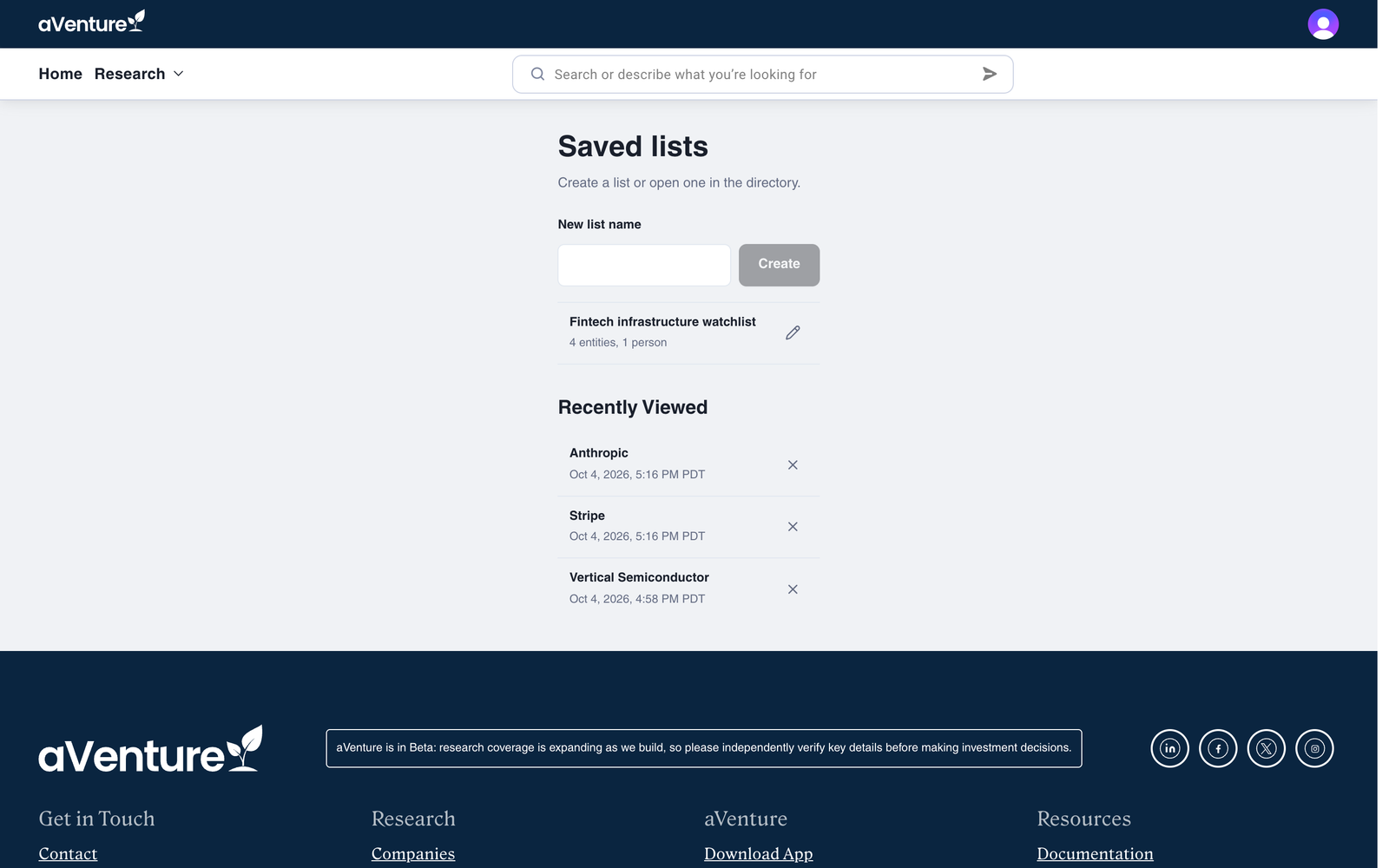
Saved lists and saved views launched for companies in September and now work for investors and people too. They live in tabs at the top of each directory, next to a new Recently viewed tab. The Saved lists page also adds two lists aVenture keeps for you: Recently Viewed and Recently Enriched.
Your Research Workspace: Lists, Views, and Recent Activity Across Companies, Investors, and People
Save company lists, watchlists, and saved searches as tabs on the companies, investors, and people directories.
3 min read
Tabs on every directory
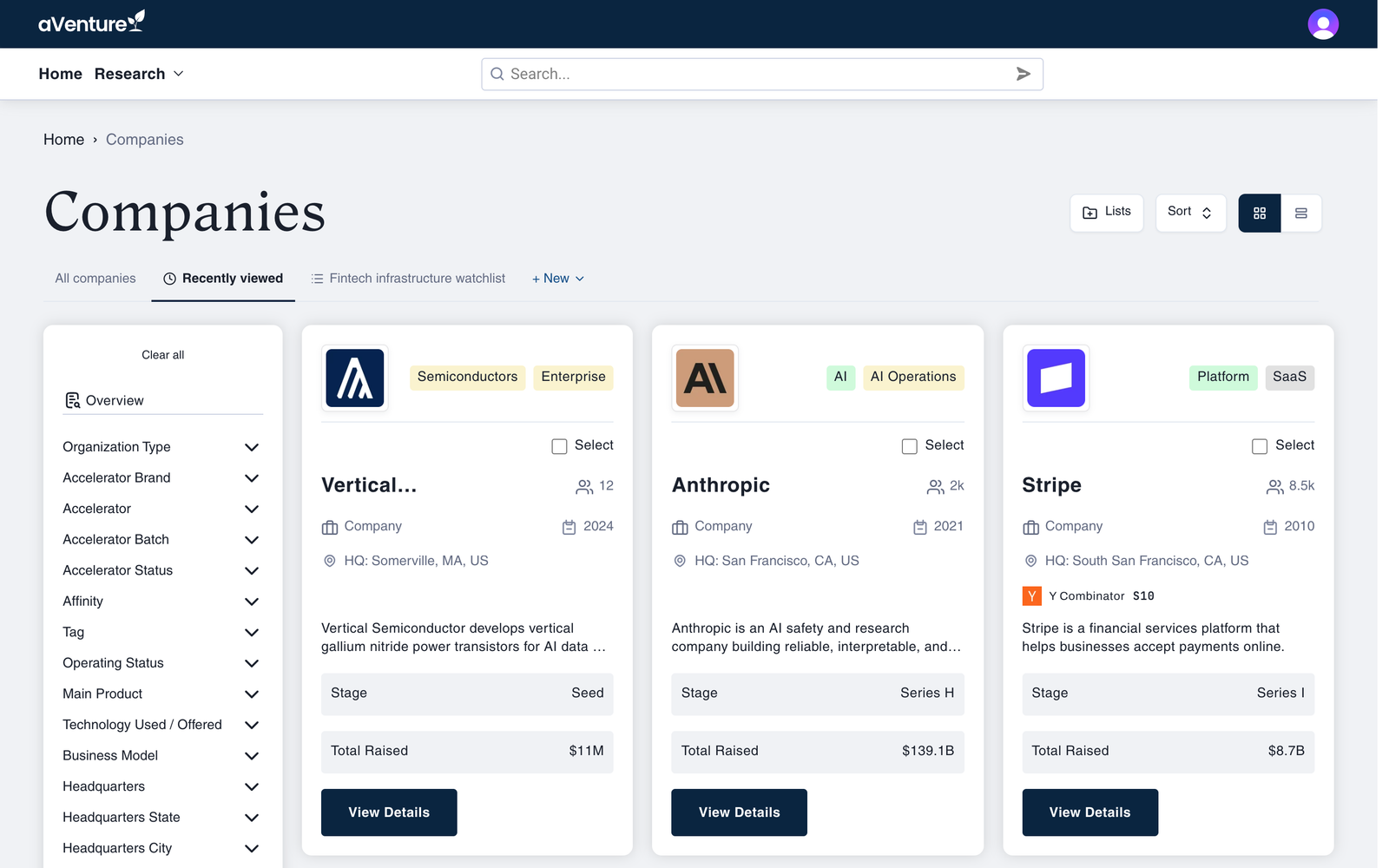
The companies, investors, and people directories now open with a row of tabs:
- All companies, All investors, or All people: the full directory with whatever filters you set.
- Recently viewed: the companies, investors, or people you opened most recently.
- Your saved views, marked with a filter icon.
- Your saved lists, marked with a list icon.
- + New, with New view and New list.
Switching tabs swaps the results in place, so moving between a watchlist, a saved market cut, and your recent reading takes one click each.
Lists hold companies, investors, and people
A list can hold companies, investors, and people together. Save a founder, a partner at a fund, and the companies they back to the same list.
Every company and person profile has a save button. In the companies and people directories you can select several cards and choose Add to List in one step.
If a list holds both companies and people, its tab on the companies directory shows the companies. A link takes you to the same list on the people directory.
On the Saved lists page you create lists, see what each holds, and rename them.
Views remember a whole query
A saved view remembers a directory's filters, sorting, and, on the companies directory, the columns you chose. Saved views work on the investors and people directories too, each in its own directory.
To create one, set up the directory the way you want it and choose + New, then New view. Change the filters of a view you have open and the tab shows Unsaved changes, with Save to update the view and Reset to go back to it. You can rename or delete a view from its More actions menu.
Recently Viewed and Recently Enriched
When you are signed in, aVenture keeps two lists for you automatically.
- Recently Viewed keeps the last 50 companies, investors, and people you opened, most recent first. Opening one again moves it back to the top, and you can remove any entry. It is also in your account menu.
- Recently Enriched holds the profiles you sent for a research update, so you can come back once the new research arrives. It shows up on the Saved lists page after your first request.
The same workspace on iPhone and iPad
The aVenture Research app's Saved tab shows the same lists, with New List, rename, delete, and remove-from-list controls, and every profile has Add to List. The Search tab shows Recently Viewed and Recently Enriched, five at a time. What's new in the apps covers the rest.
Try it
Sign in, open the companies directory, and choose + New to start a list or a view. Everything you save is there the next time you sign in, on the web or in the app.
